
Live sidebar clocks
Create voice-channel clocks for offices and teammates. Names update automatically with local time.
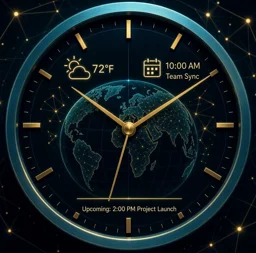
Live sidebar clocks with local weather and sky phases. Morning digests, reminders, alarms, shared events, conversion and meeting overlap — all behind one easy /menu. Built for global teams; hosted worldwide on Fly.
Free to install · no Administrator permission · setup takes under a minute

Run /menu once. From there, every feature is a button or a simple form — no command list to memorize.
Create voice-channel clocks for offices and teammates. Names update automatically with local time.
See local conditions, °C or °F, and dawn-to-deep-night sky phases alongside each clock.
A daily card with a quote, forecast and everything due today, delivered at the local time you choose.
Schedule notifications in any city or timezone — including relative reminders such as “in 20 minutes.”
Convert wall-clock time and find practical overlap windows across distributed offices.
Keep lightweight shared events and open a clear multi-city clock board whenever the team needs it.
Useful information stays visible in Discord without sending your team to another dashboard.
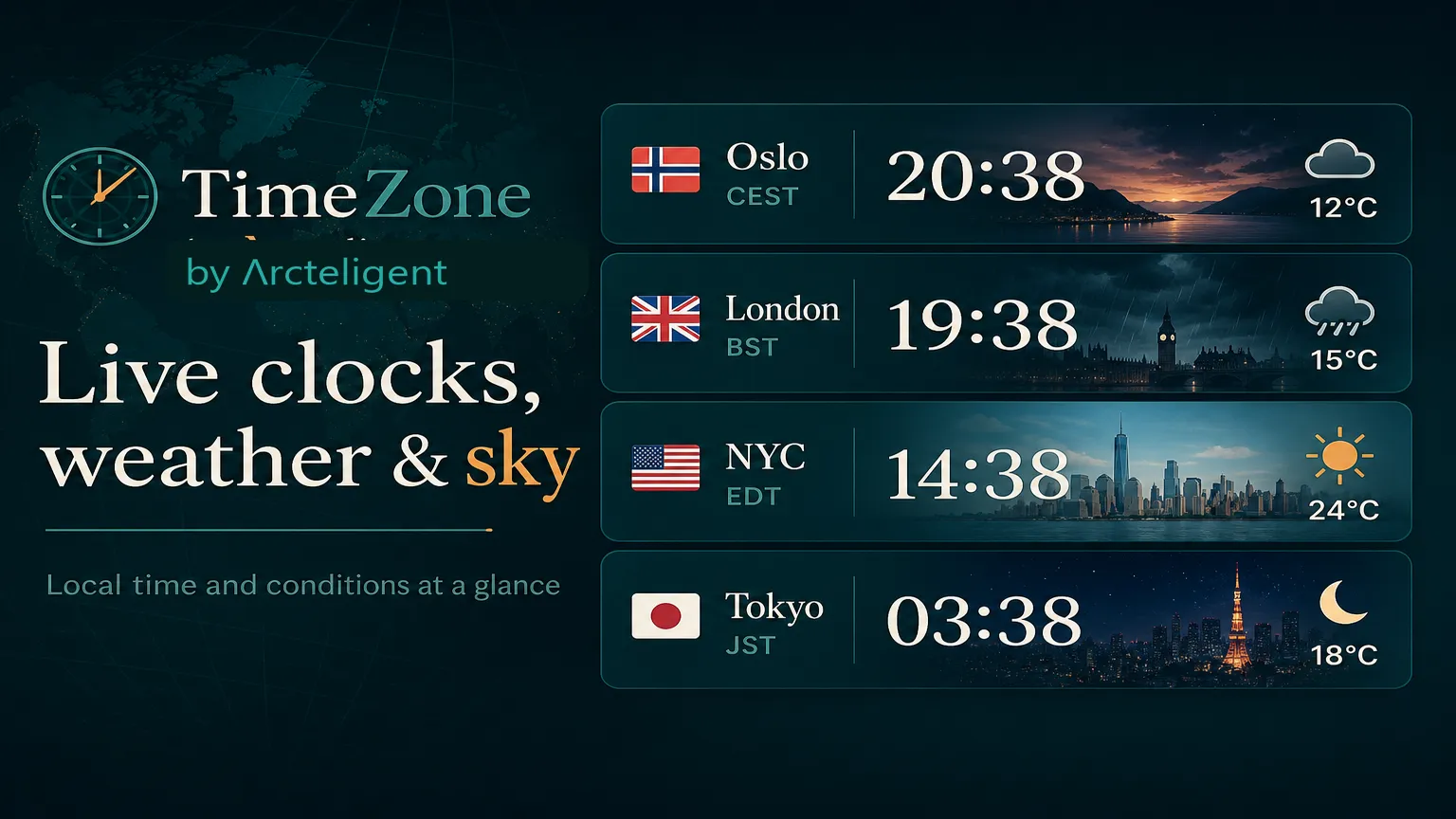
Local time, weather, flags, zone labels and sky phases — configurable per server.
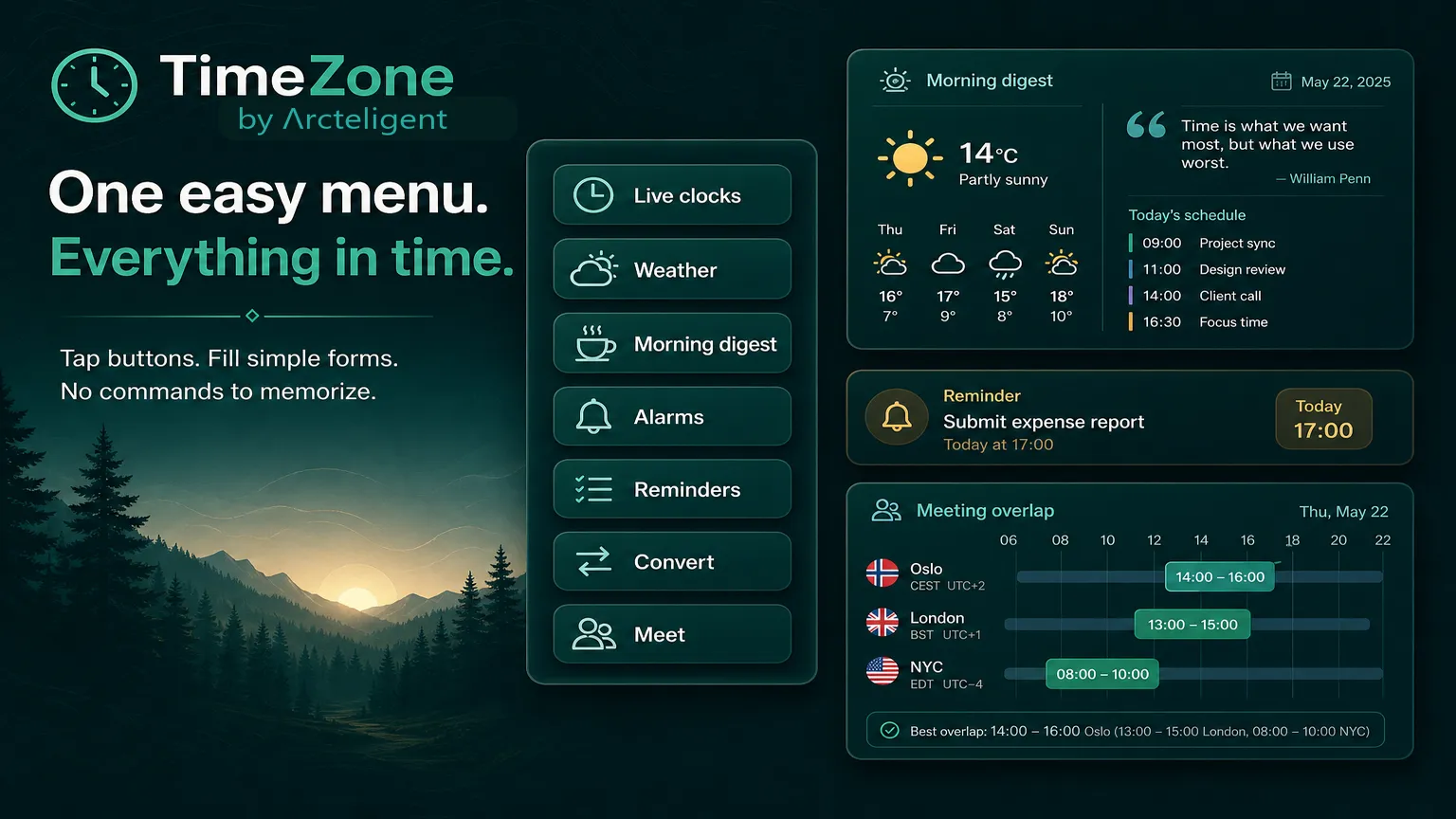
Digests, alarms, reminders, conversion and meeting overlap live in one button-led menu.
Choose your Discord server and approve the focused permissions shown by Discord.
Run /menu once. The control panel explains every tool with buttons and forms.
Start with London, New York or any supported city or IANA timezone. TimeZone handles the updates.
Install free, run /menu and add your first live clock.